Why robot training feels slow in the real world
You can run a robot policy at “real time” only as fast as the robot can safely move. A grasp attempt that takes 8–15 seconds in a lab still takes 8–15 seconds in training, and failures add resets, re-homing, and human intervention. The clock keeps running while you swap batteries, recalibrate cameras, and replace worn grippers.
Real-world learning also has a hidden tax: safety and damage control. Engineers cap speeds and forces, use conservative exploration, and stop runs for near-misses. That reduces the variety of experiences per hour, which is exactly what most learning methods need.
Even when the learning code is “fast,” the end-to-end loop is not. Logging, labeling, syncing sensors, and debugging a single flaky connector can dominate the day. The result is that training time is measured in calendar weeks, not GPU hours, and progress looks slow even when the algorithm is improving.
Pick the right speed metric before you optimize
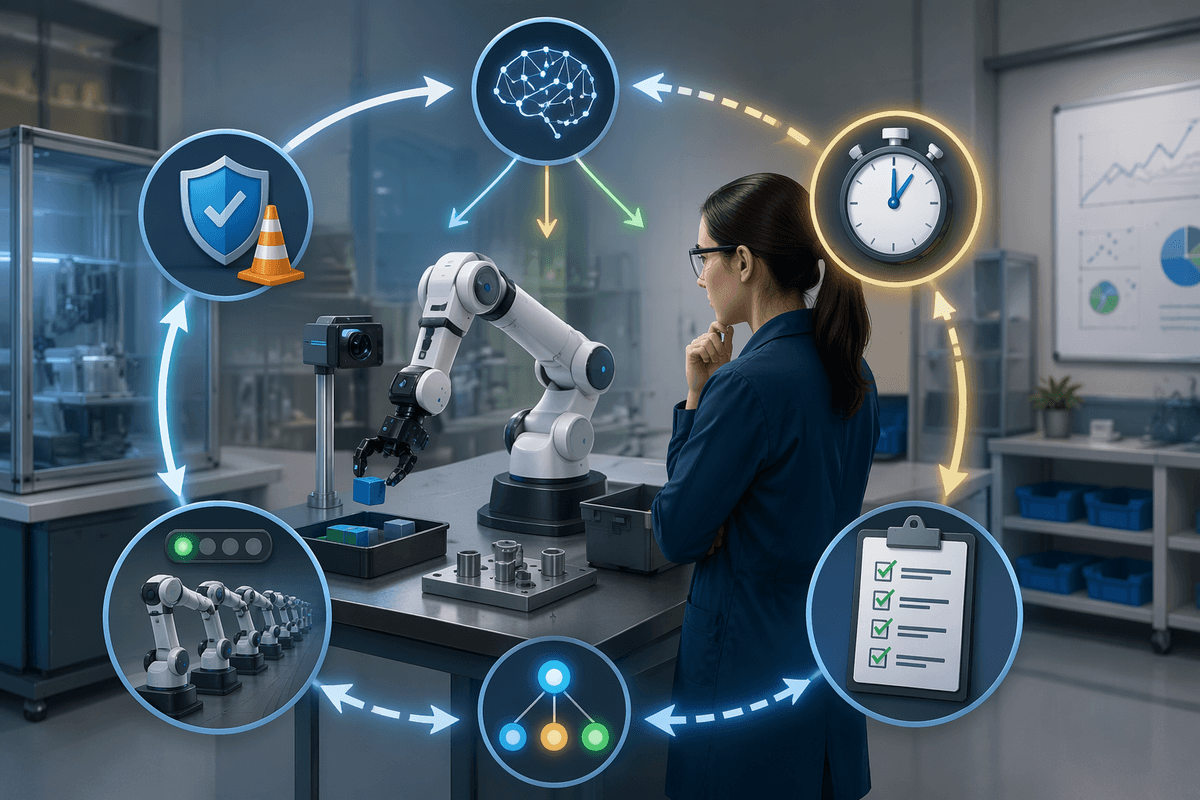
A claim like “training is 10× faster” is meaningless until you ask, “faster in what unit?” Some teams mean wall-clock calendar time to reach a demo-ready behavior. Others mean robot-hours of interaction, number of episodes, or gradient-update steps. Those can move in opposite directions: you might cut robot-hours by using better data, while increasing compute because the model is larger or trained longer.
For product decisions, the most useful metric is usually time-to-capability under your real constraints: safety limits, operator touch time, hardware availability, and test coverage. Track at least two numbers: (1) physical robot time consumed and (2) total engineering and compute cost to reach a target success rate. Otherwise, an “acceleration” can hide a trade-off you will still pay for in deployment, like more brittle policies or higher cloud bills.
Where time goes: bottlenecks in the training loop
Watch a typical training day and you’ll see the same pattern: only a small slice is actual “learning.” The robot spends time waiting for resets, getting repositioned, or running slow safety checks before each attempt. When something goes wrong, the loop breaks: a camera stream drops, a joint overheats, a calibration drifts, or a gripper slips, and someone pauses the run to diagnose it.
Data plumbing is another quiet sink. High-rate logs must be stored, synchronized, and filtered; a single off-by-one timestamp can corrupt thousands of transitions. If you need labels (object pose, contact events, failure modes), you either pay humans or accept weaker supervision. Then there’s the compute side: training can lag behind collection, especially with large vision models, turning robots into expensive data generators that sit idle while GPUs catch up.
Most “speedups” are really about shrinking these gaps: fewer manual touches, fewer failed episodes wasted, and tighter coupling between collection, training, and evaluation—without hiding the bill in added infrastructure or operator time.
Use simulation to multiply experience without risking hardware
When physical trials are the rate limiter, teams shift as much exploration as possible into simulation. Instead of one robot running one attempt every few seconds, you can run dozens or hundreds of simulated robots in parallel, collect failures cheaply, and reserve the real platform for validation. That changes the economics: risky behaviors like fast swings, tight contacts, or edge-case grasps become data, not a repair ticket.
Simulation speedups only count if the learned behavior survives contact with reality. The gap shows up in small mismatches—friction, compliance, camera noise, latency, even how cables tug on a wrist. Practical workflows narrow that gap with domain randomization, better sensors models, and frequent “reality checks” where simulated policies are tested on hardware and the simulator is tuned. Building and maintaining a credible sim stack can take weeks, and it adds compute costs that look small until you scale parallel rollouts.
Get more learning from each trial with better data efficiency
Most teams recognize the feeling of “we ran the robot all week and got only a small gain.” That usually isn’t because the robot didn’t move enough, but because the learner didn’t extract much from what it saw. Data-efficient approaches try to make every rollout do more work: reuse prior experience (rather than throwing it away after one update), prioritize rare or informative failures, and learn compact representations so the policy doesn’t need thousands of near-duplicate frames to understand what changed.
In practice, this looks like offline or replay-heavy training from logged trials, plus targeted collection to fill the gaps the model is uncertain about. The constraint is that data reuse can amplify bias: if the logs under-sample awkward edge cases, the policy can look “fast to train” while remaining fragile. It also shifts cost toward curation, evaluation, and compute, which can surprise teams used to measuring progress in robot-hours alone.
Increase throughput: parallel rollouts, batching, and faster training runs
Even with good data efficiency, the calendar improves only when you raise throughput: more attempts collected per hour and more updates computed per hour. The common move is parallel rollouts—many simulated environments, or multiple real robots running the same policy with shared logging and resets—so learning doesn’t wait on a single platform. On the compute side, batching matters. Feeding GPUs larger, well-packed batches and using asynchronous pipelines (collect while training) prevents the “robots idle, GPUs busy” or “GPUs idle, robots waiting” sawtooth.
Parallel collection can magnify instrumentation bugs, skew data if a few robots drift out of calibration, and increase network and storage costs fast. It also forces discipline around evaluation: when you can train quickly, it’s easy to ship a policy that merely overfits to the most common rollout conditions rather than improving real task reliability.
Make the task easier to learn: curriculum and reward design
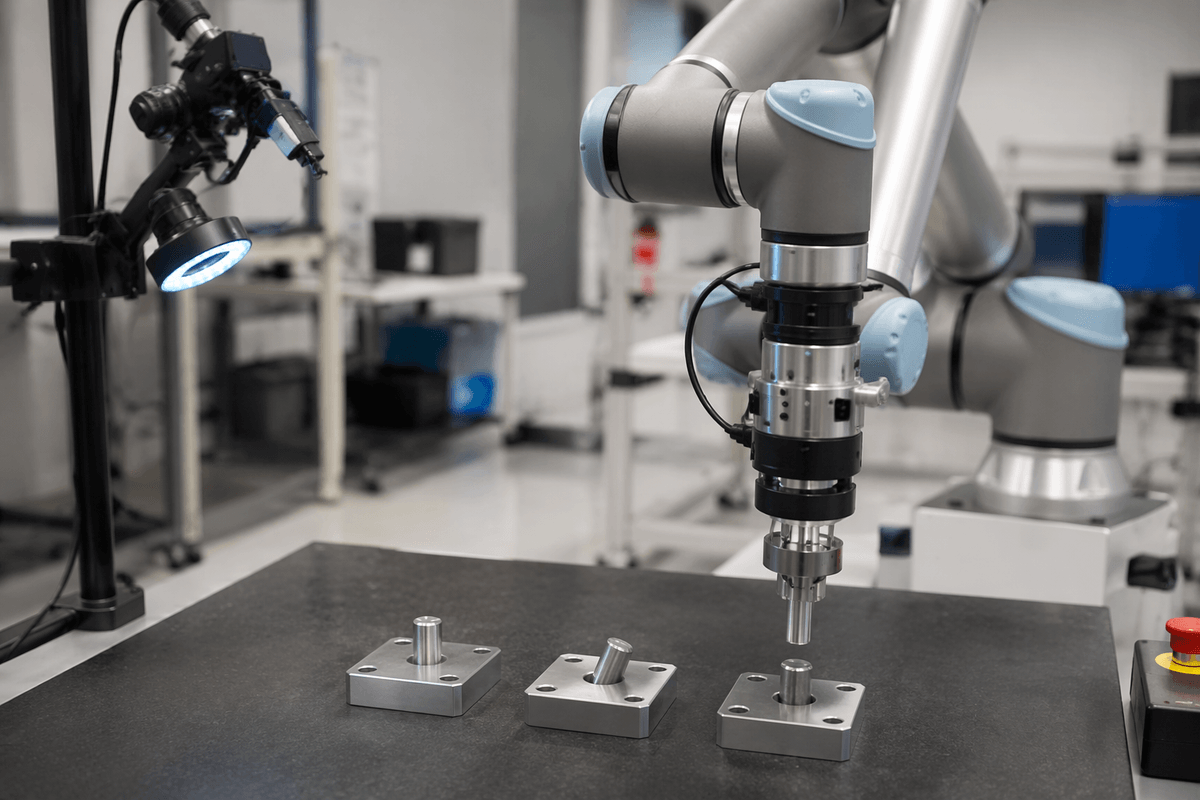
Teams often treat training speed as a compute problem, but many “slow” tasks are just hard to discover through random exploration. A robot learning insertion, cable routing, or cluttered picking may spend most rollouts failing in states that teach little. A curriculum fixes that by staging difficulty: start with a pre-positioned part, slower motions, or a single object, then progressively add uncertainty, clutter, tighter tolerances, and time limits once success is routine.
Reward design plays a similar role. Dense, measurable signals—distance to goal, alignment, contact stability, progress without drops—can cut weeks of trial-and-error compared with sparse “success/fail” rewards. The practical constraint is engineering time and brittleness: shaping rewards can encode the wrong shortcut, and curricula can create policies that look strong in staged setups but stumble when conditions jump to full complexity.
Faster training that still transfers: testing and real-world fine-tuning
A common failure mode of “fast training” is that it optimizes what’s easy to simulate or measure, then collapses under real friction, latency, lighting shifts, and hardware wear. Treat transfer as a test problem, not a hope: keep a fixed suite of real-world evaluations (same objects, variations, and safety limits) and run it on a schedule, not just at the end. If success rises in sim but stalls on hardware, you’ve found a gap worth paying attention to.
Real-world fine-tuning works best when it’s small and surgical. Use short on-robot bursts to calibrate the last mile—sensor noise, timing, contact dynamics—while keeping the bulk of learning in sim or offline logs. You’ll need clean rollbacks, versioned datasets, and downtime budgets, because each hardware update carries safety risk and can consume the very calendar time you were trying to save.